Website for machine experts

Make screenshot
NC FAQ1118
You can make a screenshot directly on the control, for example to write work instructions or document problems.
Note: The function is not available in all versions on the TNC 620.
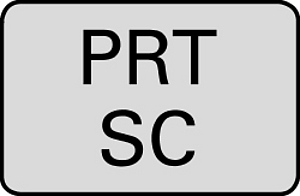
To do so, press the PRT SC key.
The control then saves the screen as a .png file in the TNC directory.